EA Air Hockey: Creating the In-Game Graphics
As noted in the earlier post on EA Air Hockey, all in-game graphics were created in 3DS Max as 3D models and then rendered into 2D images and sprites. This eased the creation of game graphics and animations for the myriad target devices.
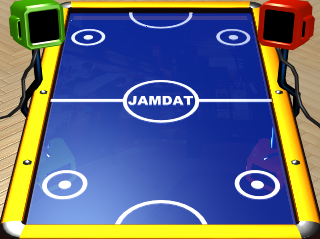
The moving objects, which were basically the “puck” (seen here) and the “mallet” were also created in 3DS Max. In this way, I was able to generate objects that were apparently moving in 3D space with the correct perspective.
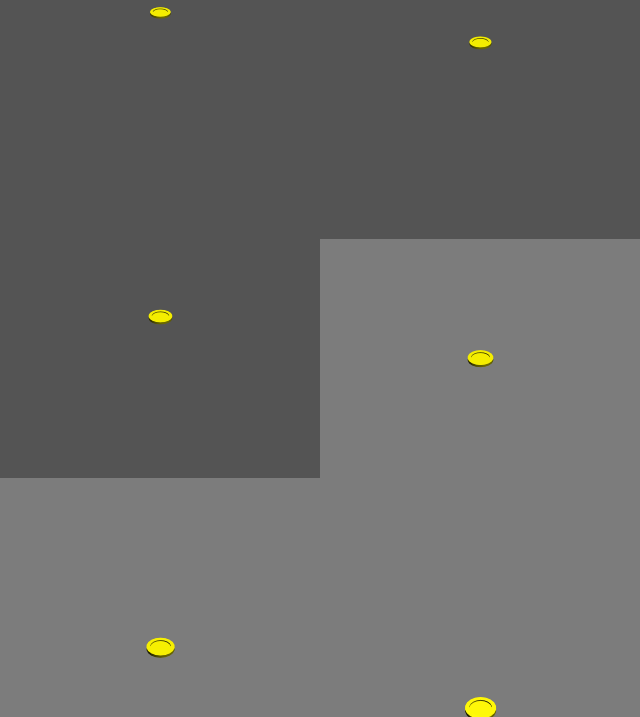
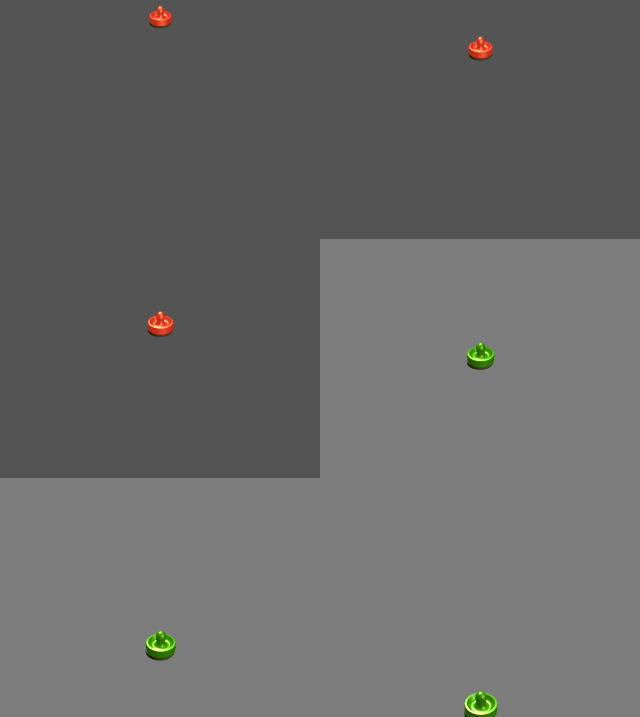
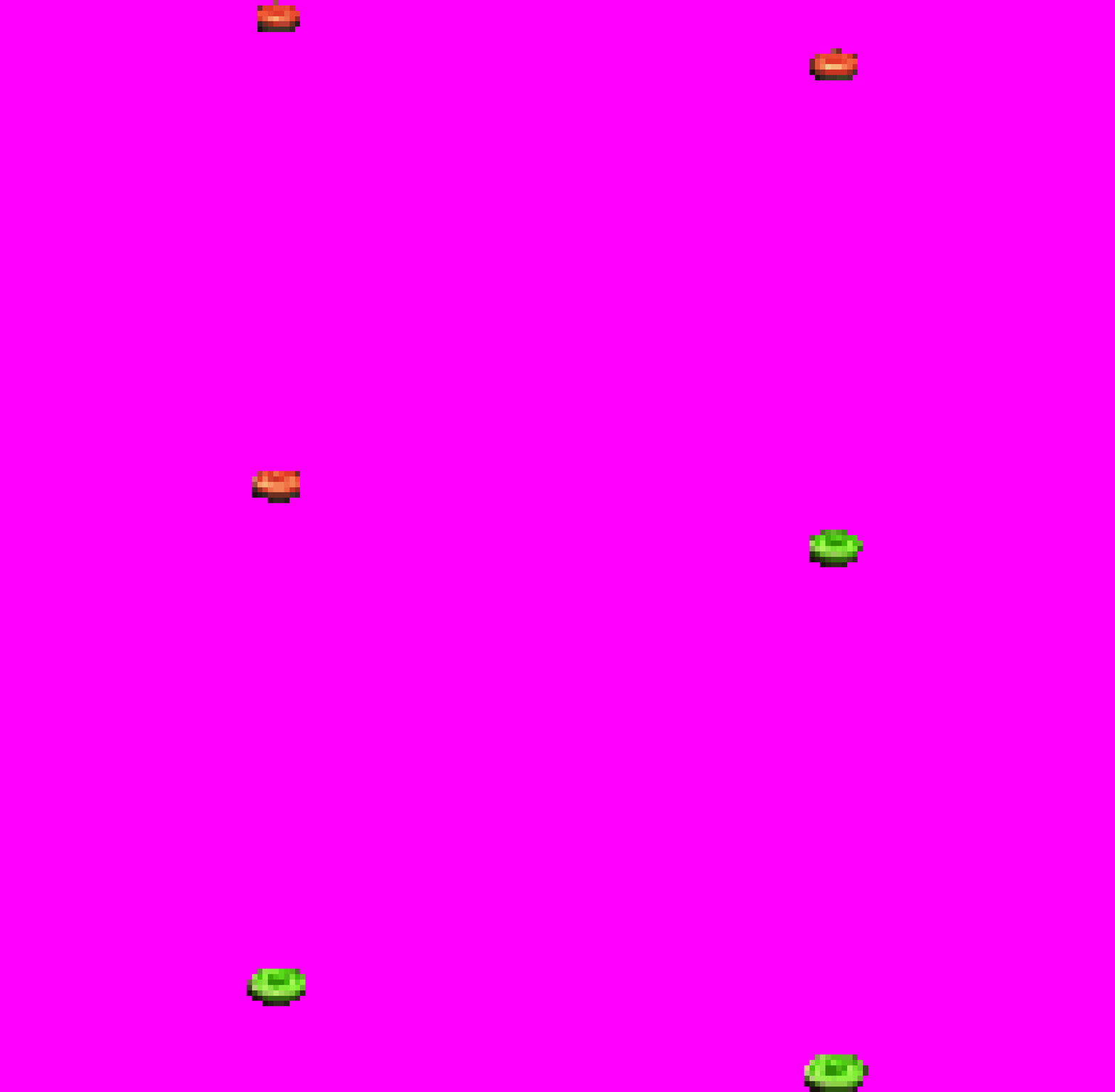
The mallet changes color as it moves down the screen because in Air Hockey movement of the player mallet is restricted to one side of the table. I created tools to create sprite sheets from these animation frames, once rendered.
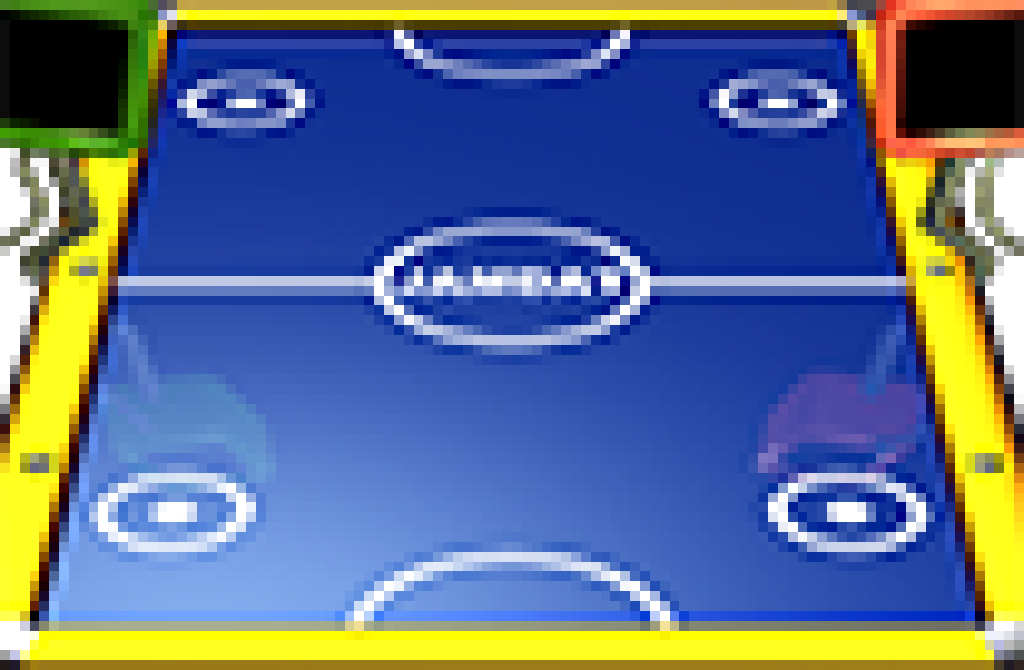
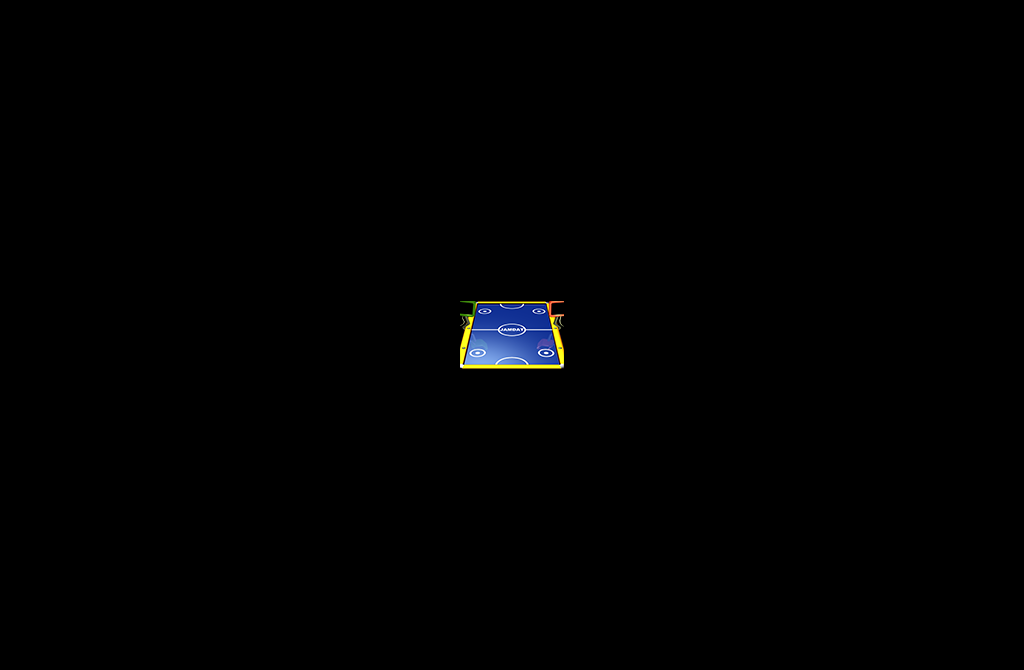
Here’s how the table looked on our friend the Kyocera KX414 (104x68 pixels, rendered direct from 3DS Max). Scaled up so you can see it, followed by the original.
Here’s how the player mallet looks.
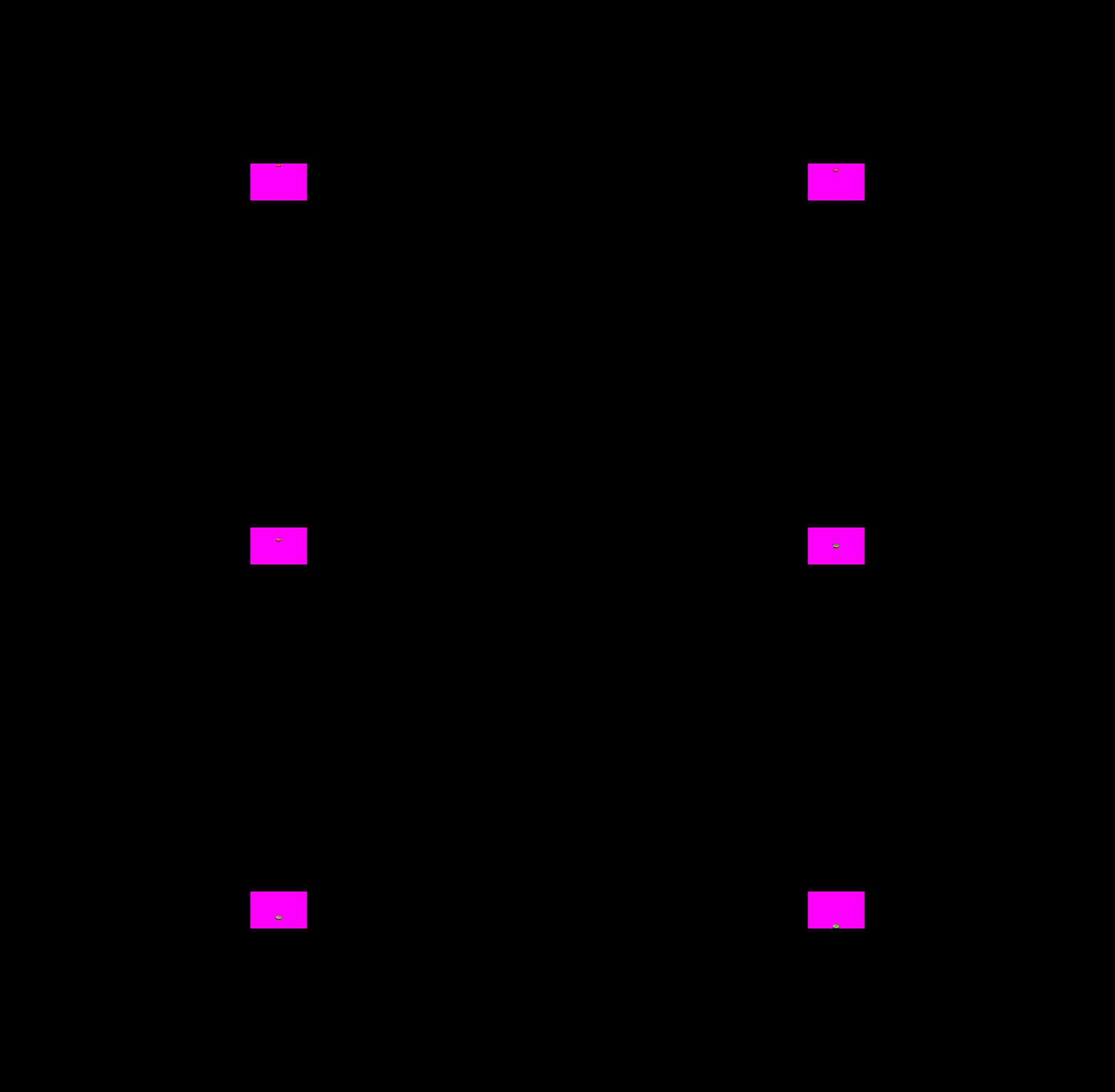
Actual size.
If you enjoy my blog, you can help support it by buying me a coffee!
If you enjoyed this, I'm writing something much deeper on Substack. A serialized memoir. Free to read.
Subscribe on Substack →
Join the conversation
Comments are open on my Substack. Paid subscribers can leave notes, reply to posts, and join the community discussion.
Prefer the open web? Find me on Mastodon. I read everything and reply.